

Floating TV walls are a popular design choice for those who value modern, clean, minimalist looks with no cables, sockets, or light fixtures in sight. The goal is to save space, keep the living area tidy with minimal effort, and enhance a space’s vibe through specific materials and finishes. To create a neat look, choose the right floating TV style, add a built-in cable management system to keep wires hidden and organized, and rely on trusted professionals to install the system. It also helps to plan for future upgrades by leaving a little extra space around units to accommodate larger televisions or additional components.
Floating TV Style and Storage Options
While most floating TVs are securely mounted to walls, other options deliver a floating style without requiring wall-mounted fixtures. Floating TV stands, for instance, can be wall-mounted, but they can also stand on their own. Modular designs are also gaining popularity, since they let homeowners rearrange layouts and use spaces more flexibly. Mounting floating TVs and speakers on a wall is arguably the cleanest choice, but it is also a long-term choice, since it requires professional electricians, and moving these devices would make cable management systems visible.
Planning Your Wall Before Installation
Once you choose to affix your floating TV to the wall, the next step is to make key design decisions before drilling, paneling, or building your cabinetry. Measure all main pieces, including the TV, mounting bracket, media unit, and soundbar or electric fireplace. Decide what configuration you prefer… whether your TV should be in the center of the wall or aligned with furniture beneath it. Make sure the viewing height is ergonomic, and check your wall’s load-bearing capacity. If your floating unit includes consoles, books, or speakers, or your TV is heavy, you may need stronger fixings. Leave space for devices that generate heat. You should also have a complete cable map showing where your power, HDMI, Ethernet, speaker, and LED wires will enter and leave the wall.
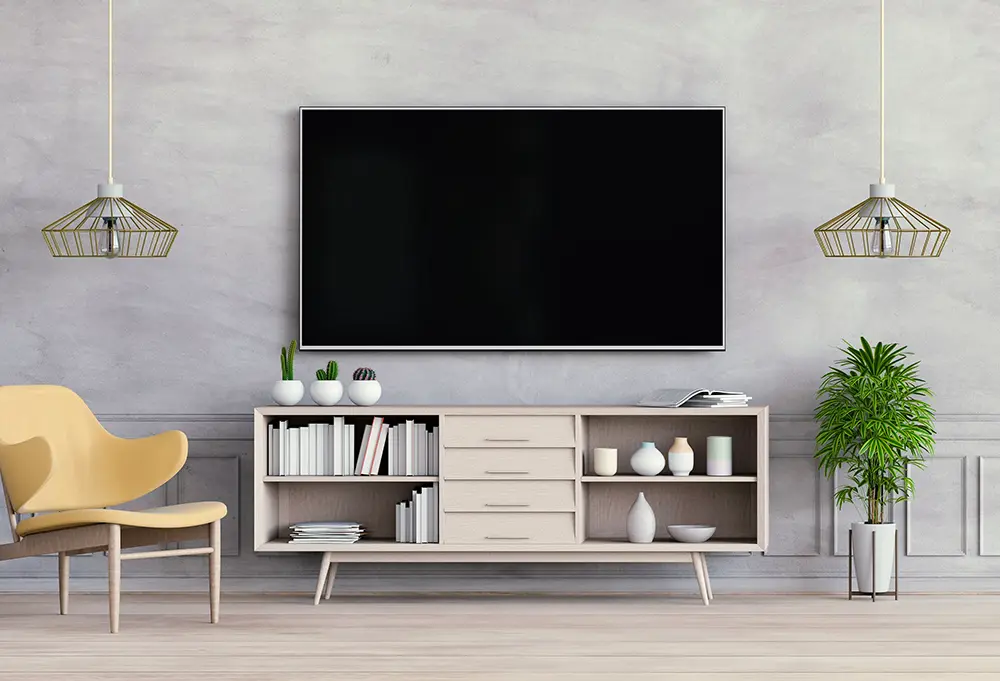
Opting for Cable-Free Design
For a typical TV with two speakers, start by choosing two active speakers that support HDMI ARC/eARC or optical audio from a TV. They should also have built-in amplifiers and communicate wirelessly with each other. Each speaker will require its own mains power. Next, have your electrician install a recessed mains socket behind your TV. Third, place a mains socket behind each speaker and connect it with a short power lead. Finally, ask the installer to place conduits before closing the wall. The conduits will need pull strings inside them to make future cable replacement easier. Then connect your TV to the main speaker by running an HDMI cable from the TV HDMI eARC/ARC port through the concealed conduit to the main speaker. As this cable will travel through the wall, nothing will be visible. Next, ensure the cables are concealed before plastering the wall. At the end, you should have no visible cables on the floor, wall, or skirting.
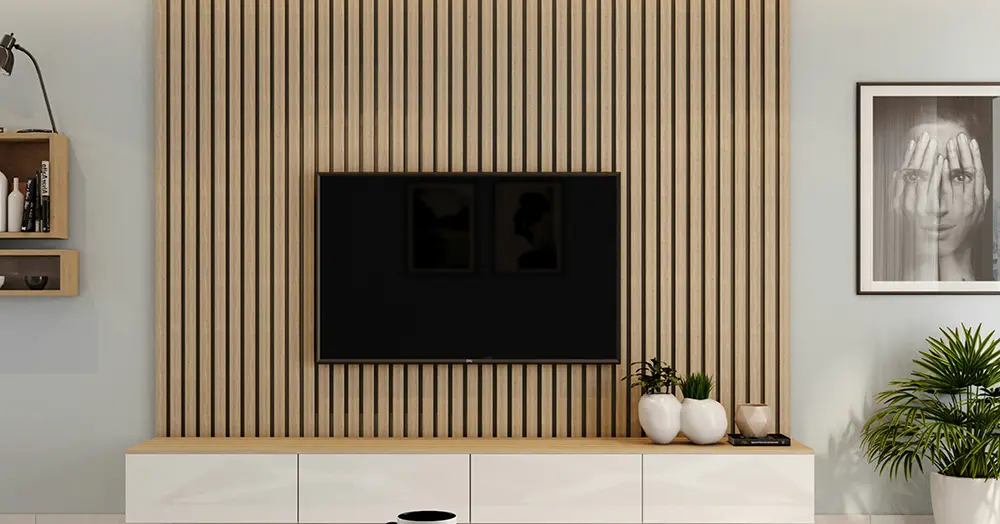
Using a Cabinet for Additional Cables
If you have additional cables for things like USB, satellite coaxial cable, or HDMI, the process is slightly different. Start by installing the TV power socket, then install a conduit inside the wall from the TV to the cabinet. The HDMI cable, for instance, would be hidden in the wall and run from the TV to a cable outlet behind the cabinet. This system could also house Ethernet, aerial/coax, optical audio, and other low-voltage cables. Ask your electrician to install power sockets inside the cabinet, place the amplifier inside, and run the speaker cables from the cabinet into the wall. Finally, put a speaker connection point behind each speaker so the cable isn’t visible. If you are using active speakers, then you won’t need the amplifier. Your cabinet could store other equipment, but these items won’t be necessary for your audio system. If you want the cabinet system to be completely invisible, install a recessed power socket behind the TV and install a large low-voltage conduit down to the cabinet. Next, install power sockets inside the cabinet and connect conduits from the cabinet to the two speaker positions.
Floating TVS fit into the current zeitgeist and its penchant for clean, minimalist looks. Numerous options can achieve this look, including standing TVs that can be wheeled from one space to another. To fully mount a floating TV onto your wall, follow the detailed instructions above. Start by creating a detailed plan for your TV and cable placement, and build a recessed system in your wall to support all the cables you need for optimal audiovisual quality.